The Term Context tab
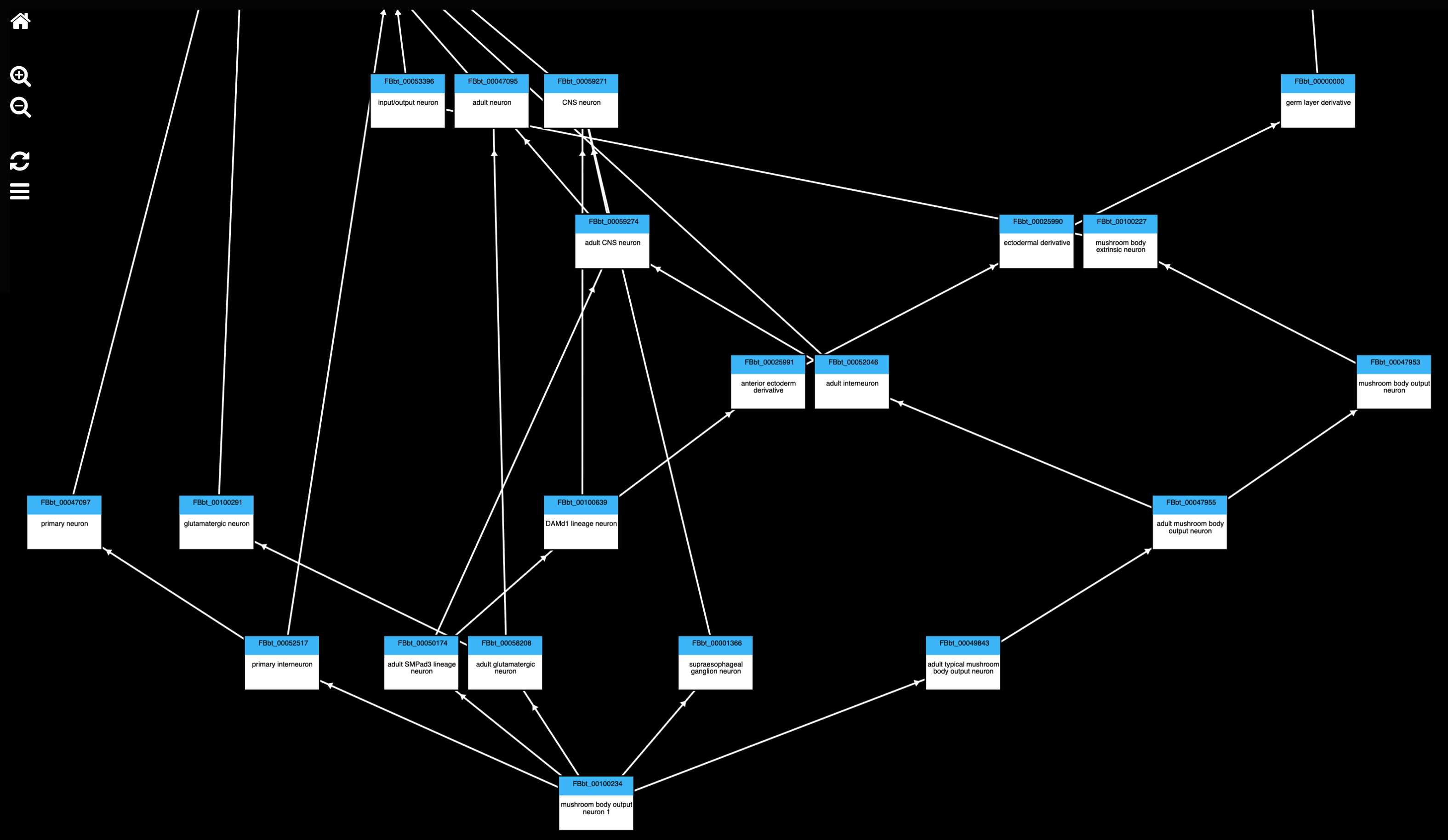
Term Context displays graphical information on the currently selected term’s location or classification.
Select a graph from the Graphs for section of the Term Info pane to display it in the Term Context pane. Click on any term in the graph to select it and view its Term Info.
Show location of [term]
The location graph shows where the selected term sits in the nervous system: the structures it is part of or overlaps, and, for neurons, the regions it has synaptic terminals in, followed up through the anatomy hierarchy.
Show classification of [term]
The classification graph shows what kind of thing the selected term is: its parent classes (is a) up through the anatomy ontology, restricted to anatomical, cell, neuropil, ganglion and tract classes.
Controls
Home resets your view
Use the zoom icons or scroll with the mouse to zoom in/out
Click to refresh to the current focus term
Select either the location or the classification for the current term