Search and Query Tools on VFB
VFB integrates data curated from the literature with image data from many sources. Searches and queries can be used to explore this data.
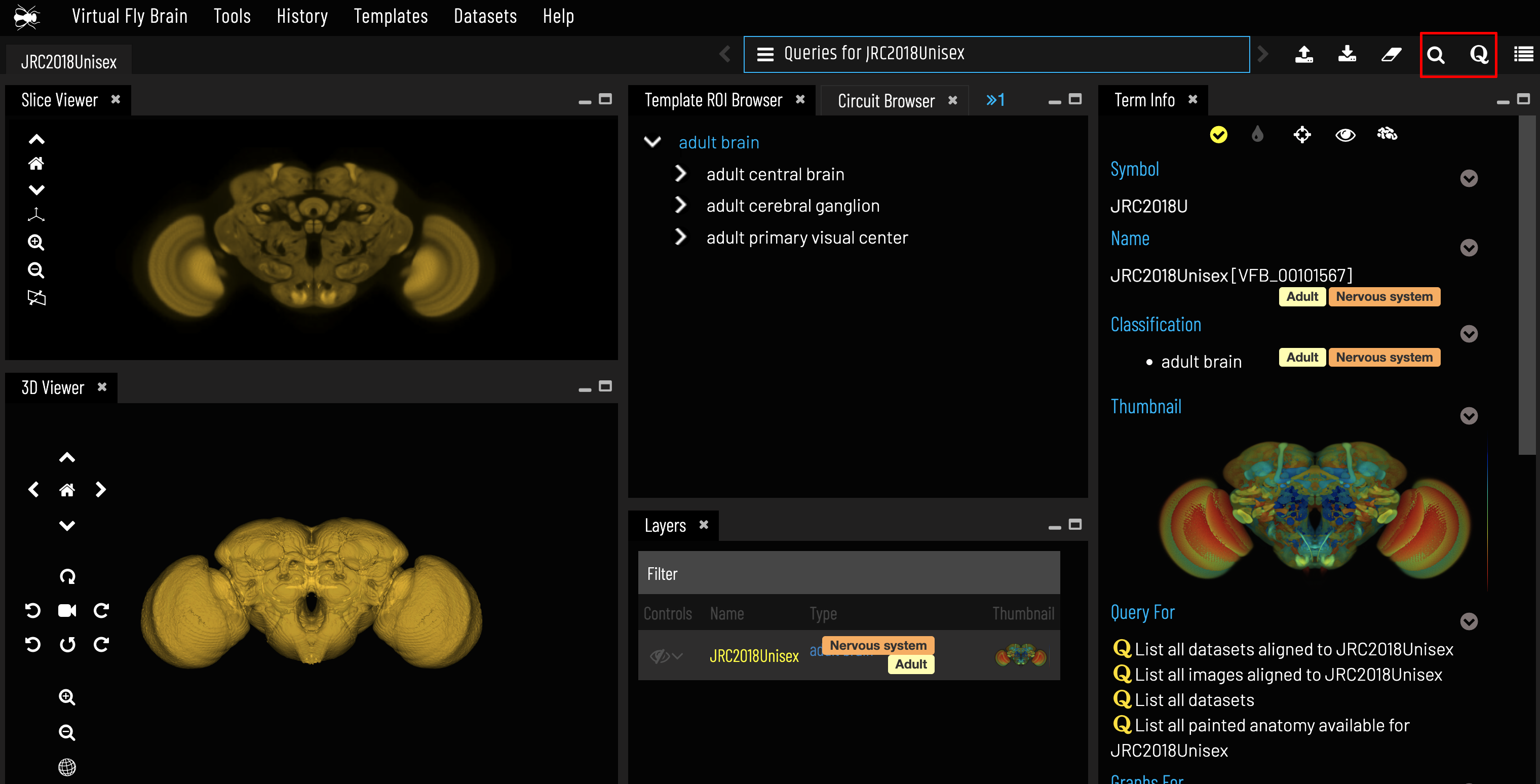
Search for the item you’re interested in
Query for related terms and images
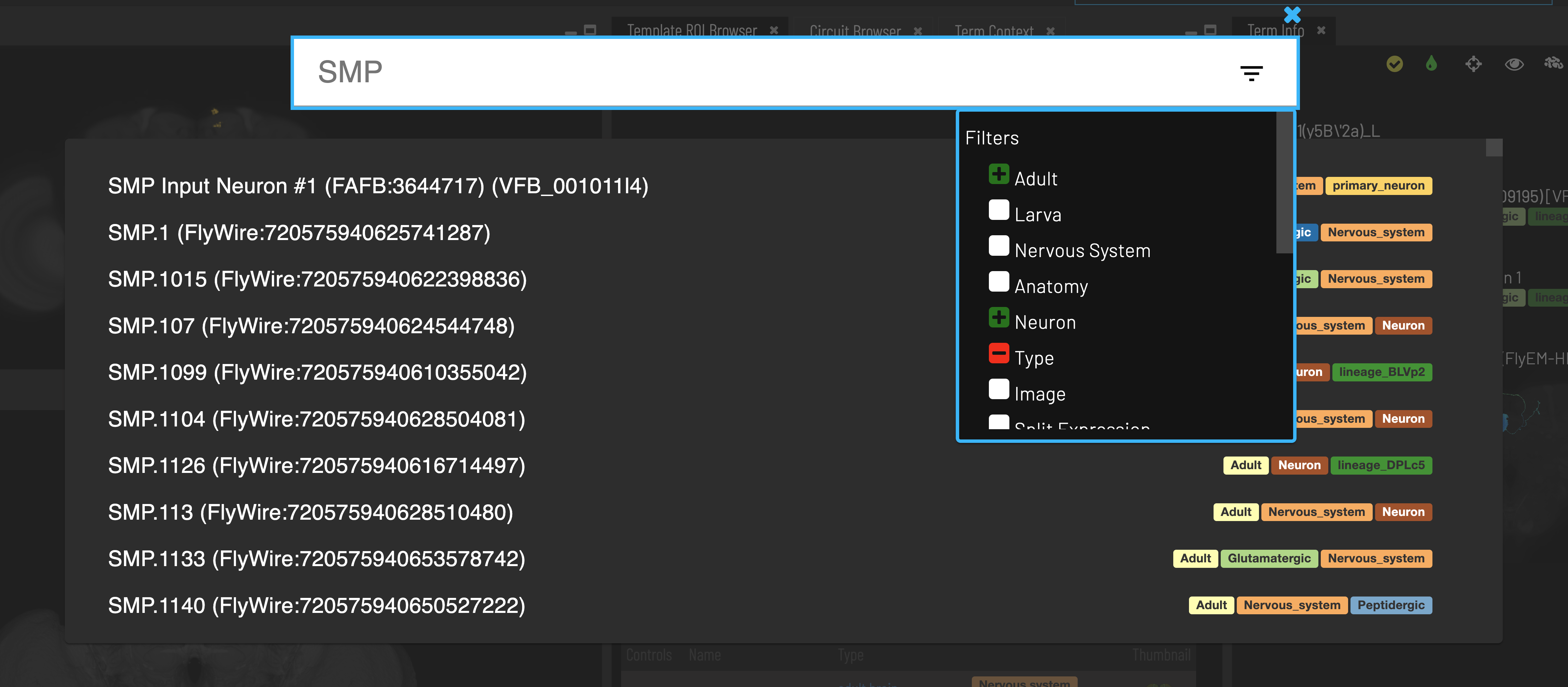
The Search Tool
The search system allows you to search for neurons and neuroanatomical structures using almost any name found in the literature. Positive and negative filters can be applied from the drop-down to restrict the results.
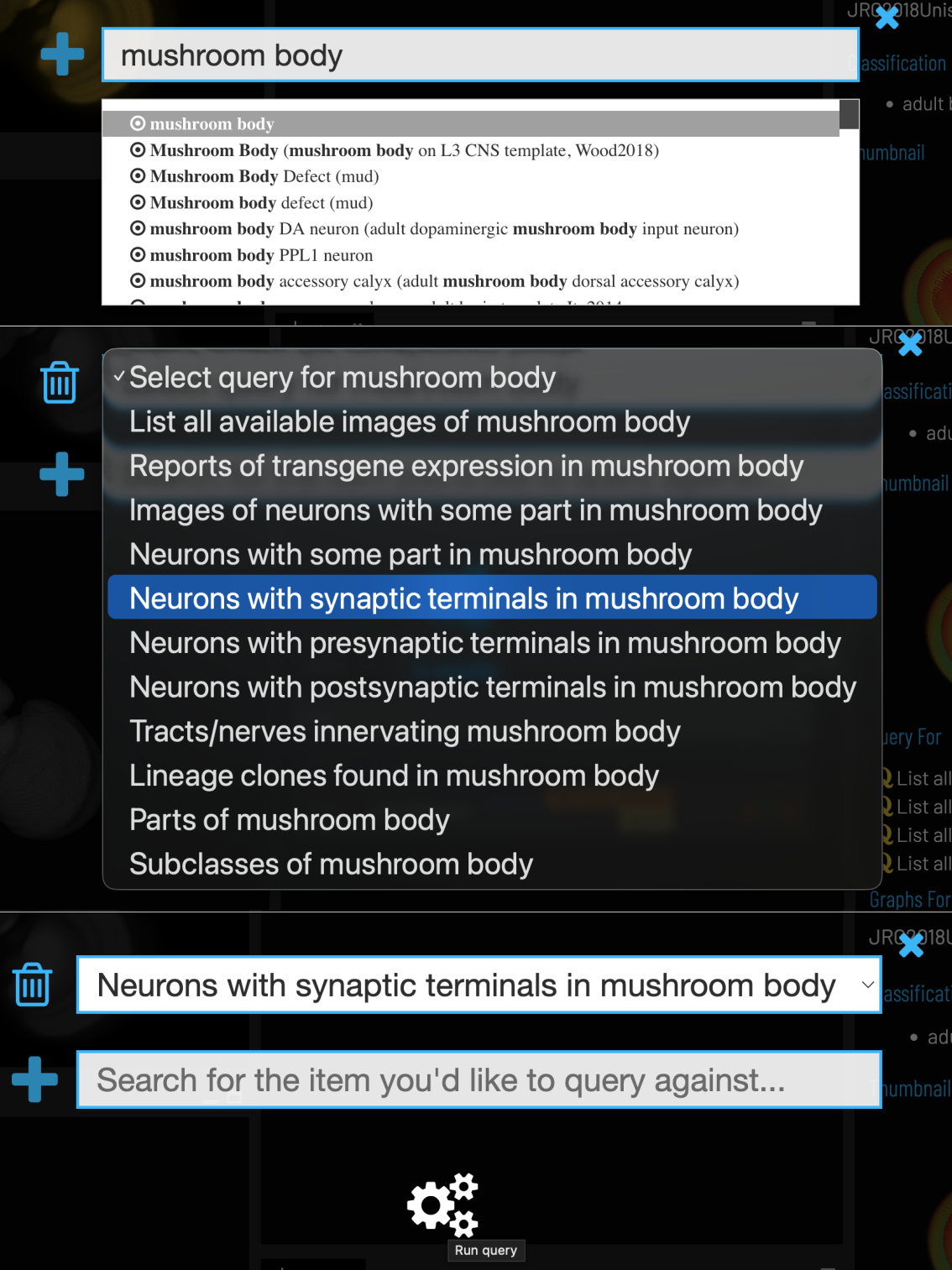
The Query Tool
The query system can identify neurons innervating any specified neuropil or fasciculating with any specified tract. It also allows queries for genes, transgenes and phenotypes expressed in any brain region or neuron.
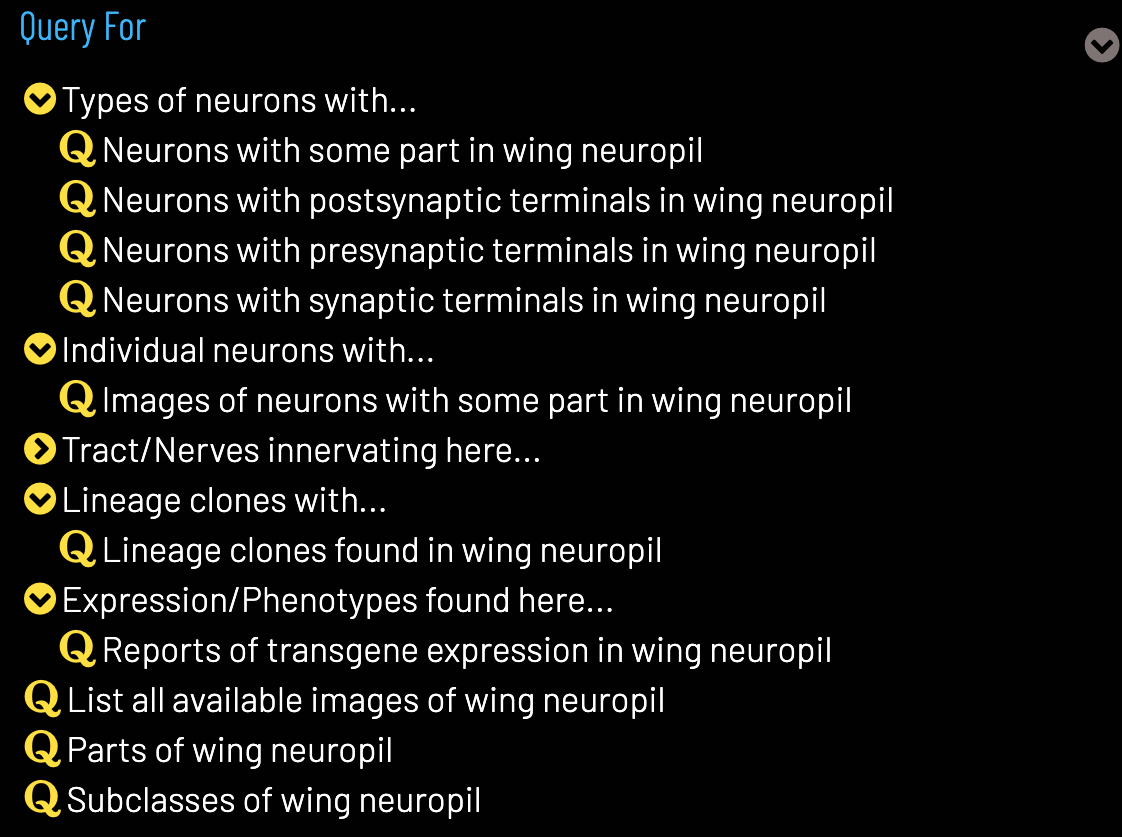
Queries from Term Info
Some Term Info panes have pre-defined queries relevant to that term. For example, the Term Info pane for a brain region may have queries for neurons innervating that region and drivers expressing in that region.
Query Results
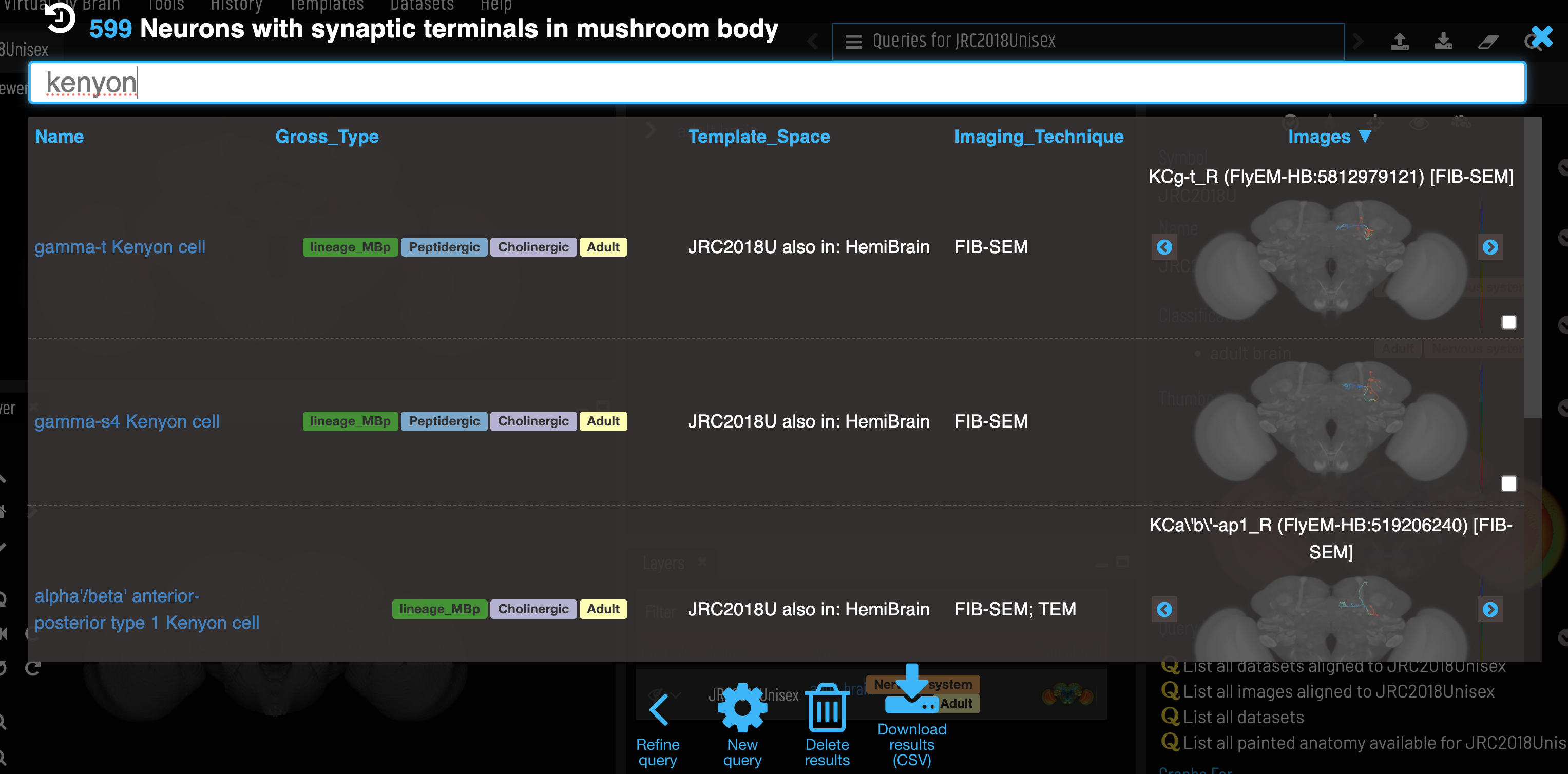
Query results give information for each result, including thumbnail images where available. Results can be filtered by typing in the top bar and sorted by clicking on column titles.
Feedback
Was this page helpful?
Glad to hear it! Please tell us how we can improve.
Sorry to hear that. Please tell us how we can improve.