The Term Info tab
Names
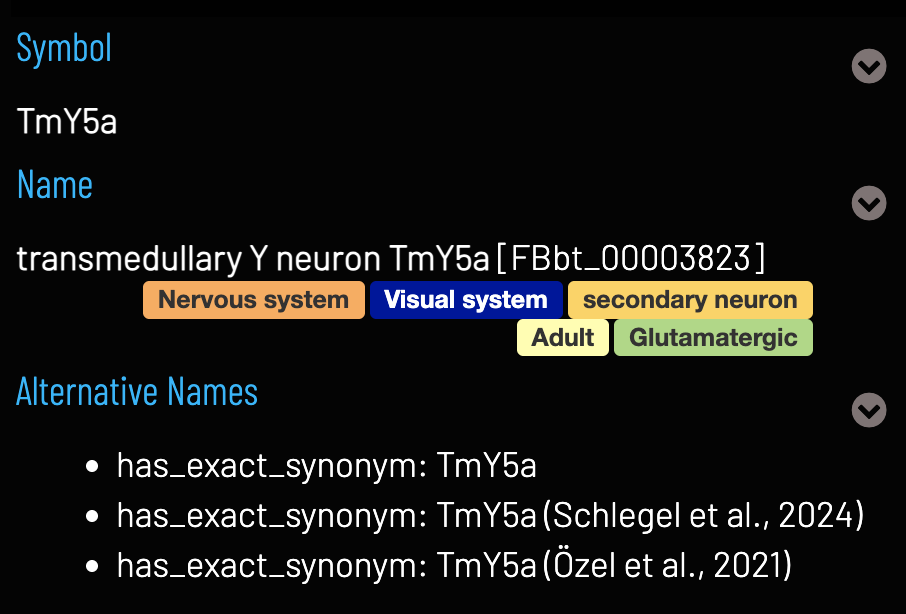
Each entity in VFB has a unique Name. The Name field also shows semantic tags, to provide additional at-a-glance information, and the identifier (e.g. FBbt_00003823) for the entity. Many entities also have a Symbol, which is a more compact name that has been used in the literature. Synonyms are shown in the Alternative Names field along with references, where available.
Ontology terms and Graphs
Classification and Relationships fields show parent and related ontology classes for the selected entity. Click to navigate to the Term Info pages for these terms. The location and classification Term Context graphs show partonomy relationships and parentage of the selected entity, respectively.
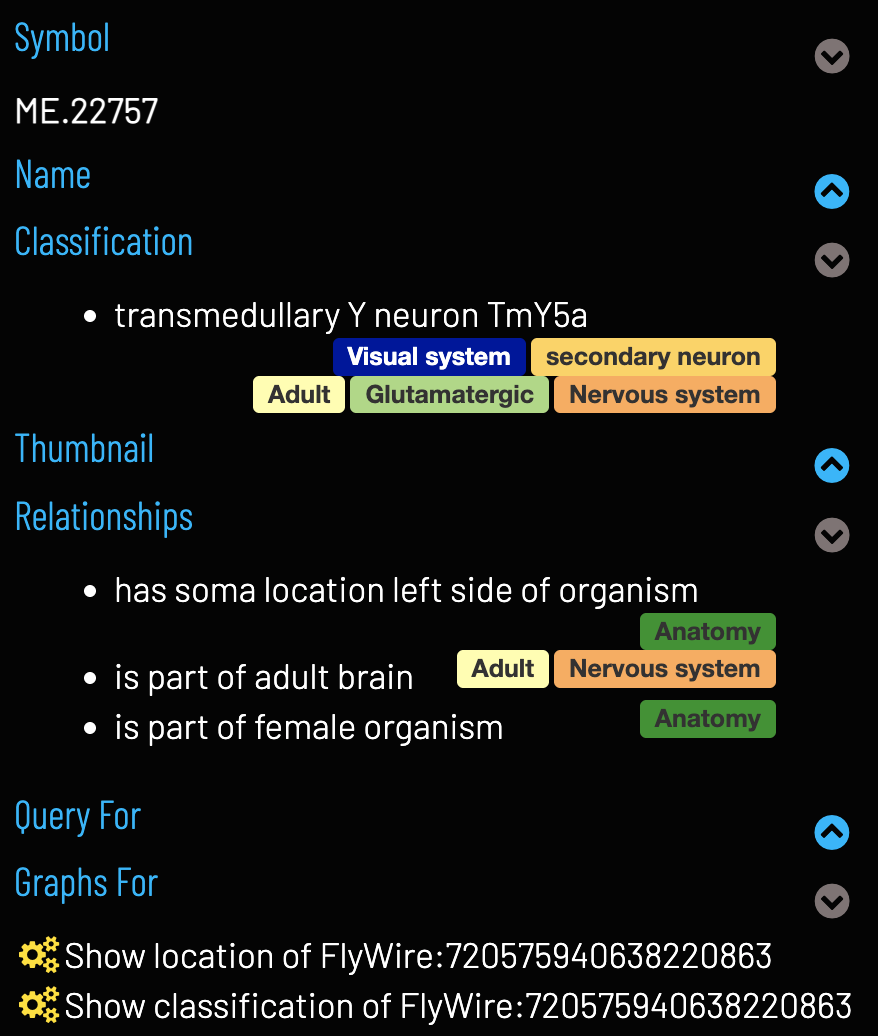
Click on terms to select them
Data
Thumbnails show available images (as a carousel if multiple). These can be clicked to add the image to the 3D viewer.
Click on thumbnails to add an image to the 3D viewer
Queries relevant to the selected entity can find related entities and other relevant information. Some EM neurons also have an option to add the neuron to the Circuit Browser tool to explore connectivity data. Queries are specialised for different types of entity, for example, the Term Info page for a neuronal cell type may have queries to find images, transgene expression and transcriptomics data, whereas an EM image may have queries to find connectivity data.
Run term related queries
Images (and citation information) can be downloaded from the Downloads section and their source dataset, template, and licence information can be found in their own Term Info fields.
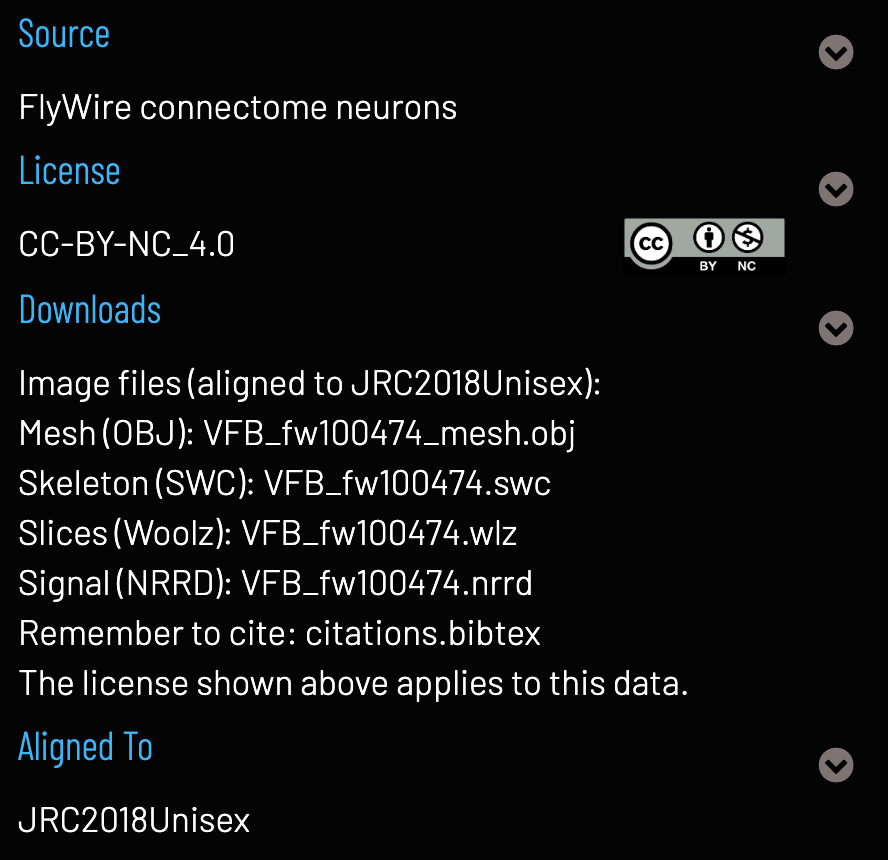
Click on download items to begin downloading
References and Linkouts
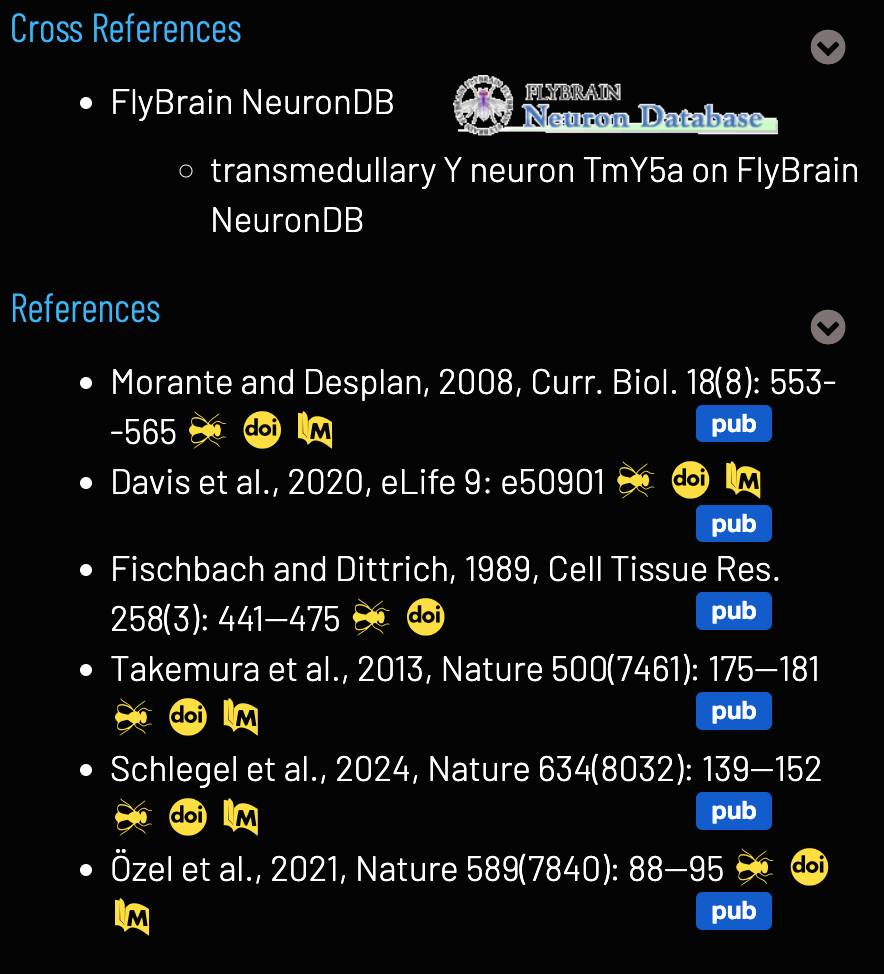
Linkouts to external sites with further information about the selected entity can be found in the Cross References section where appropriate. Literature references are in the References section, with links to the articles themselves and the FlyBase bibliography pages where available.
Feedback
Was this page helpful?
Glad to hear it! Please tell us how we can improve.
Sorry to hear that. Please tell us how we can improve.